Life Under GTD-5
by Zaphraud
Specific Telephone Telecommunications
First, let me state that I am aware that GTD-5 is not an actual, physical switch, but rather a software protocol thingy, that can run on numerous switches. GTE uses DMS-100s, ESSes - I have even heard that some small GTE areas use PBX switches designed for businesses!
GTD-5 is a strange switch to be under. The most obvious sign of a GTD-5 switch is having to dial XX# to access special features (cancel Call Waiting, Call Forwarding, etc.) as opposed to dialing *XX under the more common switches.
In fact, the first thing that I noticed under GTD-5 is that the # key is a strange kind of Enter key, it will tell the switch "I'm all done now, process my digits." I'm not sure what the significance of this is, or what can be done with it.
Also worth knowing is that there are various sub-versions of GTD-5. I am under GTD-5.03f12 in Camarillo. (That's interesting because the last time I checked it was 5.01f12! I just checked now, and surprise! Both 5.01f12 and 5.03f12 are the same, as far as I can tell, and the f12 part has never changed. Oxnard, a city nearby, uses just GTD-5U and they do not yet have the Proctor Test Set. I suspect that's where the 5.01 part comes in. Thousand Oaks has 5.01. No "f" extension. I have absolutely no idea what the "f" extension means...
Whenever I dial a call, before the ring I hear silence, and after the line starts doing something (i.e. ringing, busy, etc.), I can hear a quiet, high pitched sound, if I really strain my ears (is that possible?). I believe this is the sound that the digital-to-analog converter makes, as it sounds about the right frequency for it. I like this, because I have Three-Way Calling, and it lets me know when to flash the other line on, without having to wait for a ring signal.
11X Dialing Features
GTD-5 provides a wide variety of switch-based tools for linemen to use. These tools fall in the 11X dialing area. They cannot be dialed off the back of a local PBX that I use, probably because there is a direct link into the GTE switch via optical cable, and to have copper line testing features would be silly.
Here is a list and description of them, as they are found in our area. Note that they vary from area to area, but that they are still going to be 11X numbers. For example, the Proctor Test Set in Los Angeles is not 117, but rather 111. This is the list as it appears in Camarillo. 114, 119, and 113 work as described in Oxnard and Thousand Oaks. Thousand Oaks also has 117 identical to that of Camarillo.
111 - No real function. Neat-o message I have not heard anywhere else. Rings immediately after dialing third one. Answers after one to four rings with "We're sorry, your call cannot be completed as dialed. Please check your instruction manual, or call the repair office for assistance." Basically it tells the lineman he screwed up.
112 - Have not discovered anything or no function.
113 - Strange method of dialing. You can dial 113+7D, and if 7D is a phone number that is in your exchange, then one of two things will happen: It will connect exactly like a regular call (even requires 25 cents from a payphone, deposited before call, and yields same error message if coin is not deposited); It will come up with a rather strange error message; "We're sorry, your call cannot be completed as dialed from this telephone. Please check the number and dial again, or call your operator for assistance."
If you dial any other number, whether it is local, zone unit (short distance) or long-distance, if it's not in your exchange, it will say that the call cannot be completed as dialed (the ordinary error message normally heard) and to check the number and dial again.
What determines whether a phone has 113+7D dialing capabilities or not I'm not sure of, but I can pass along the following findings:
Every payphone I have been at lets 113+7D dialing go through, provided a quarter was deposited first.
The odds of a normal line allowing 113+7D to go through appear to be about 1:4, from the test dialing my friends and I have done.
Another interesting thing to note is that when I dial 113+ [number of a payphone that does not accept incoming calls] from my line (not 113+7D compatible), I get the ordinary call cannot be completed message, but if I call the same number from a payphone, I hear the "From this telephone..." message! This has led me to wonder if there are phones that can bypass the incoming Call Blocking. So far I have not found any.
114 - Local ANAC. Gives a single Touch-Tone, then reads back your phone number. The official name is not "Local ANI," but I prefer calling it that, as ANI is so much easier to remember (and say) when compared to the official name, ANAC.
115 - Have not discovered anything or no function.
116 - Limited data available. Waits for digits. After most, says: "We're sorry, we cannot process your custom calling request at this time. Will you try again later please?" When I dial 116+8XX..., 1164+5XX..., 116+*XX..., or 116+#XX... nothing happened. After several digits, including * and #, got a typical error message. 116+8+*+# yields this message.
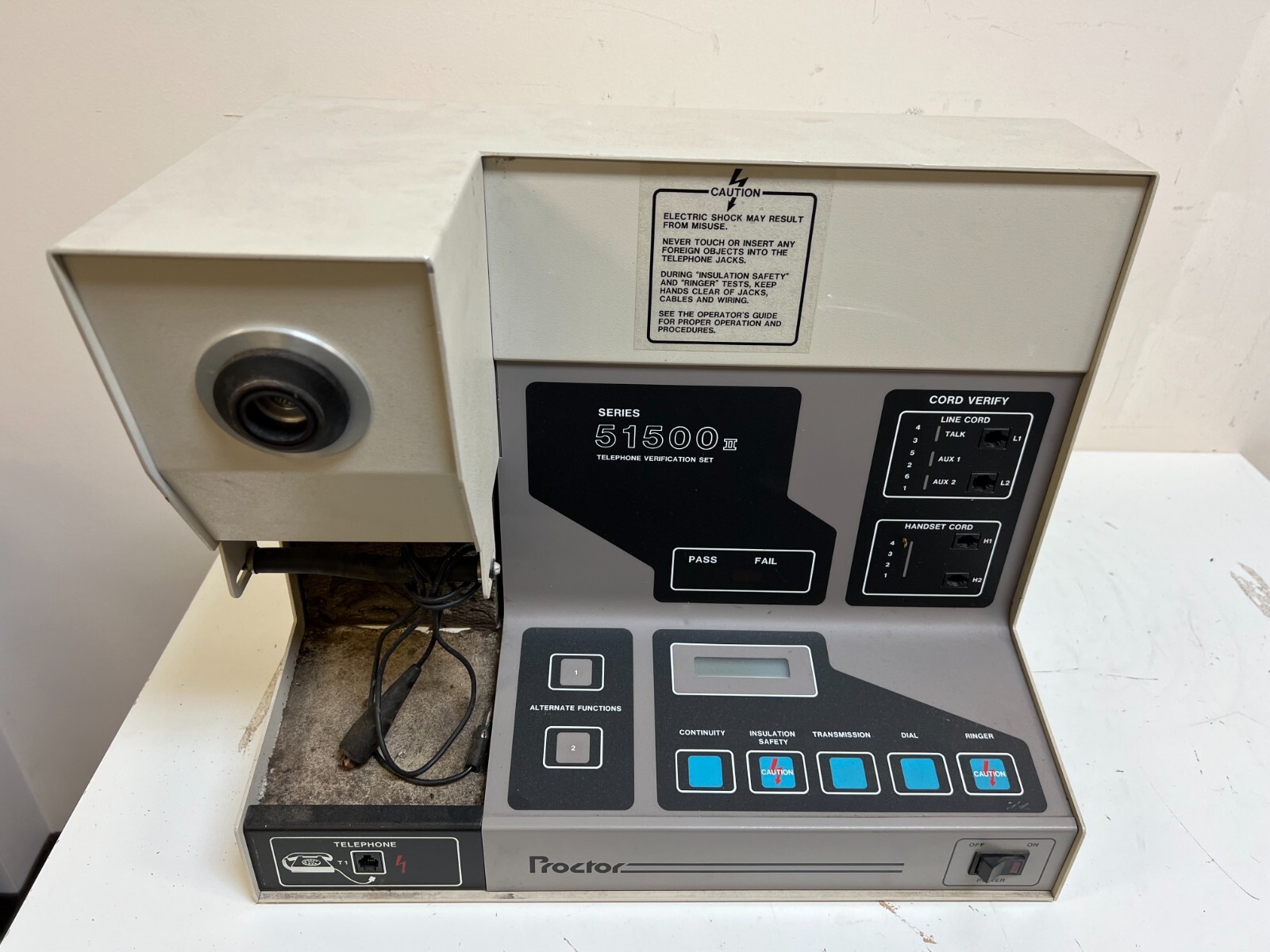
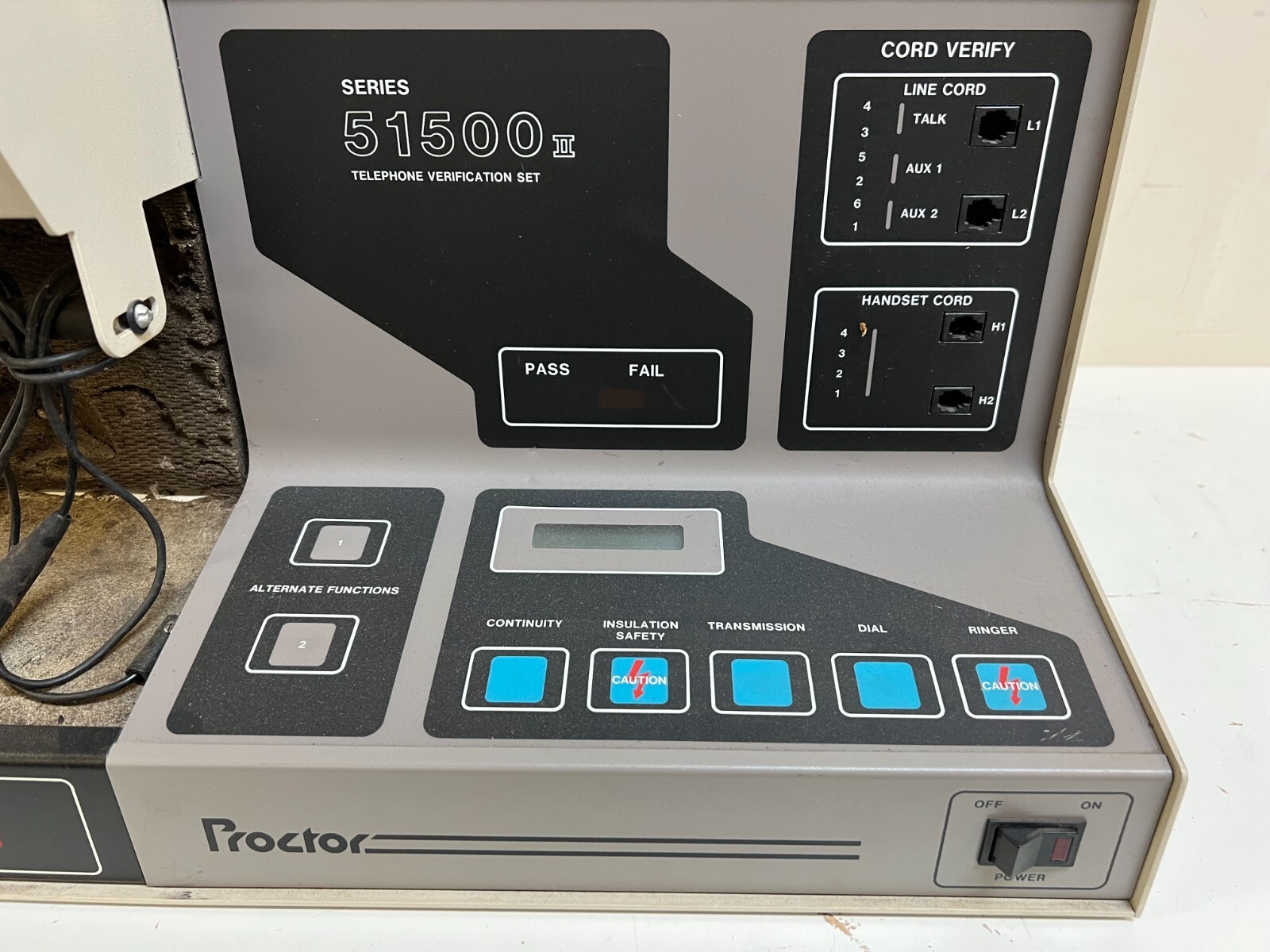
117 - Proctor Test Set (in my area). This is the neatest feature by far. See below for instructions.
118 - Have not discovered anything or no function.
119 - Line Open. This is identical to using the Proctor Test Set, option 13. It performs exactly the same function, and exists only for compatibility in Camarillo. Oxnard needs this test until they obtain GTD-5.01 or better.
117 - Dial Test (in Oxnard). This test will beep four times, and beep an additional four tines after each DTMF key pressed. It has no other apparent function.
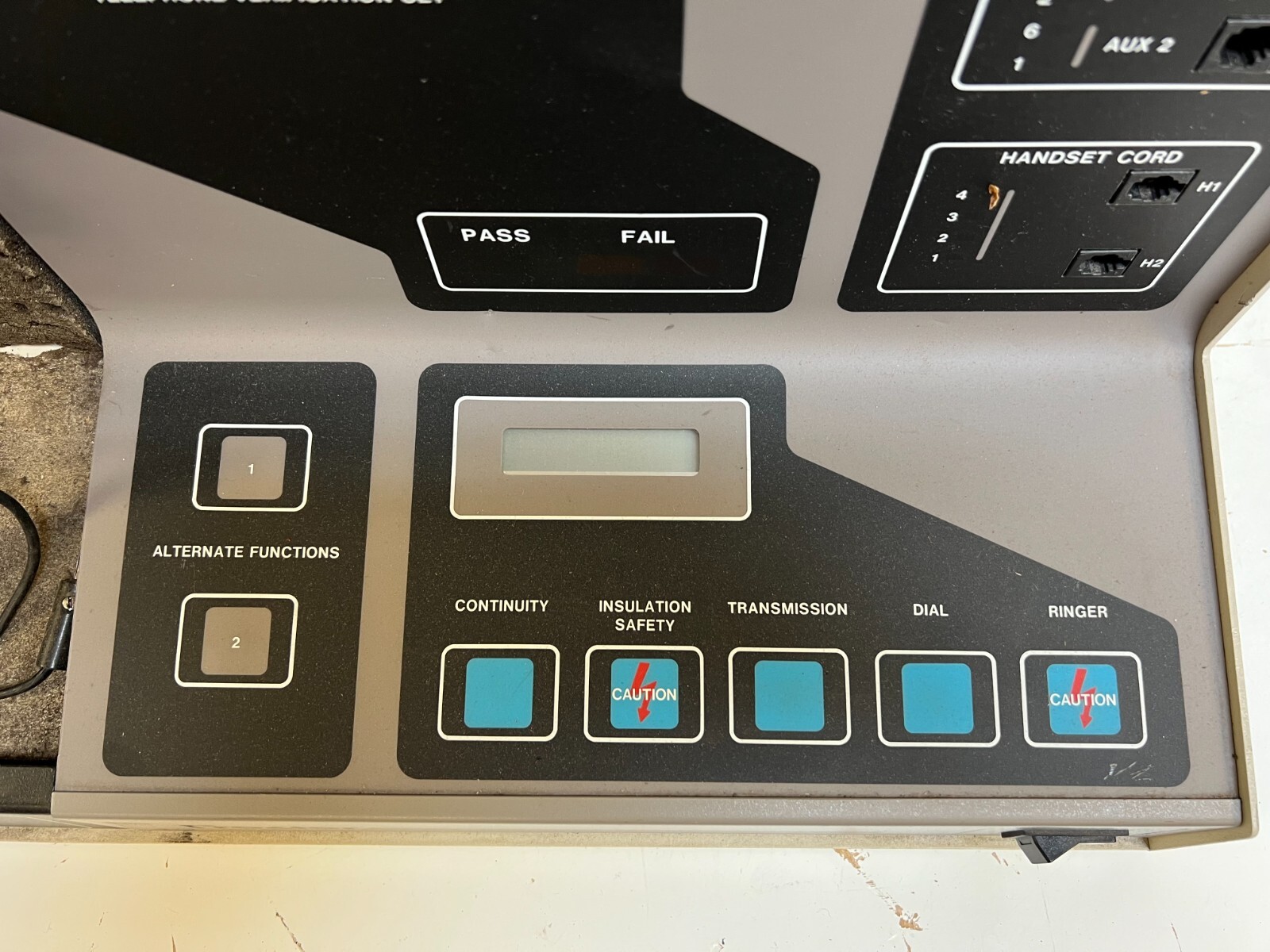
The Proctor Test Set
The Proctor Test Set can be used for many things, the most common being:
Dial 117. You will hear the following menu. Bear in mind that you can always re-hear the menu either by waiting for it to replay or by flashing the hook, and that a hook-flash is a lot like an abort key. (Example: Proctor says "Please deposit coin' but you're calling from home experimenting. Just flash the hook and it goes on to the next part of the test.)
A word about the Proctor Test Set's numbering system - 0-9 are, quite obviously, 0-9. But a little known fact is that all the keys can at some time or another be used as numbers, in a strange way. Here is a translation table:
- 0-9: 0-9
- A: 10
- B: 11
- C: 12
- D: 13
- *: 14
- #: 15
This works because GTD-5's tone decode thingy is set to dial mode, and those are the actual hexadecimal values it produces... In the other mode, row/column mode, the chip's first two bits will determine row, the last two, column. That mode is rarely used...
Interestingly, dialing 1A is the same as dialing 20. Ever see a little kid counting "Eighteen, nineteen, tenteen, eleventeen?" Well, Proctor does this. It's base ten hexadecimal! That's why dialing B works for dialing 11... the security feature apparently only starts looking to block out the config after the first one is dialed.
Also worthy of note is that if, in parameter select, you dial [A-D]# or 1[A-D]#, you will be read the number back as you dialed it! Example: Dialing 1A# results in hearing "one ten" read back to you! But that's not why... Proctor doesn't know the word "ten" except as in "Please deposit ten cents" so I looked some more and found:
- 0-9: Says "Zero - Nine"
- A: Says "Ten"
- B: Says "Twenty-Five"
- C: Says "Please go on-hook."
- D: Says "Pass"
By doing this, you are listening to the hidden order of the sounds in Proctor's program, and actually learning a little about how it was made! Each sound has an ID number, and by Silver Boxing, you can find out some more sound ID numbers!
Please be careful changing parameters. I turned ESS Select on, accidentally, this Sunday morning. It's now Sunday night and the test set still won't work. I'll have to wait until Monday for them to fix it, i guess!
The Main Menu
"Proctor Test Set."
(After the "Please" starts, you may press menu selections)
"Please select test.
Line Test, dial 2
Coin Collect Test, dial 3
Coin Refund Test, dial 4
Coin Relay Timing, dial 5
Coin Test, dial 6
Party Ground Test, dial 7
Ringer Test, dial 8
Party 2 Ringer Test, dial 9
Dial Test, Dial 0
Ack Suppress Telephone Test, dial 10
Reverse Line, dial 12
Line Open, dial 13
Complete Data Mode, dial 14
Ack Suppress Test 1, dial 15
Ack Suppress Test 2, dial 16
1A Coin Relay, dial 17
For access to other tests, dial 19."
Note that 11 and 18 do not appear on this list. More on that later...
Explanation
(Inside parenthesis is choice)
[Inside brackets is only heard if Complete Data Mode is on]
Line Test (Dial 2)
The Line Test checks for problems on the line, namely that of shorts. It also, because of its on-hook nature, can be used to check the ringer.
What happens: There will be some clicks heard, and then it will say: "Line current (pass/fail) [xx milliamps]."
This is how many amps the phone is sucking out of the wall. If more than one phone is picked up, the number will change to the phone that sucks more, because picking up another phone causes the voltage to drop, i.e., the current should never be too much. Line Test will then say: "Loop leakage test. Please go on-hook."
At this point, hang up. Wait for the phone to ring, then answer. When you answer, it will say: "Loop leakage (pass/fail) [(exceeds 200 kohms/XXX kohms)] line ground (pass/fail) [(exceeds 200 kohms/XXX kohms)]."
What this tells you is the following: Line leakage - The impedance of the phone line when no phones are off-hook. An off-hook condition is generated at above 2 kΩ, but it should definitely be over 200 kΩ, although not infinite (the ringers have to be attached!). A fail condition will read the impedance of the line. Most bugs powered from the phone line will cause this test to fail. It could also indicate problems in the ringer or water in the line. Line ground - like line leakage, only for the ground line. Payphones have a ground line, the yellow wire usually, and a failure here could indicate water in the lines or a faulty coin circuit.
Coin Collect Test (Dial 3)
This test checks that the coin hopper in a pay (fortress) telephone properly dumps coins into the storage area, where they will await a telephone man to pick them up. That is all it does.
It will ask you to deposit a coin, which it will promptly dump into the storage area as soon as it reaches the hopper. No more information is given, even if complete data mode is on. Pass or fail is indicated by the path the coin takes. A lineman should see it come out the hole on the bottom left side of the phone. An unhappy phreaker will hear it clunk in with countless other coins, where it will become unrecoverable and property of GTE.
For you technical folks, coin refund and coin collect signals are 100 volt pulses that are sent down the line, and grounded by the phone onto the yellow (ground) wire through the hopper controller.
Coin Refund Test (Dial 4)
This test is exactly the same as the line coin collect test, except that the coin is sent out the bottom right side of the phone, or, back into the coin refund test. It's fun to do, because it shoots them right back in. A neat trick to pull is deposit about $5.00 in miscellaneous coins into the phone before selecting this test, then call a friend over and say "Check this out." Select the test and drop in a nickel. Your amazed friend will watch your nickel, and all the other money that you stuck in (which was waiting in the hopper) come out, and probably never stop begging and pleading you to tell him or her how you did it.
Coin Relay Timing Test (Dial 5)
This tests the timing of a coin ground pulse. It will respond with "Coin relay timing (pass/fail) [XXX milliseconds]." Typical values are between 500 and 700 milliseconds. This won't test the tone timing of a coin.
Coin Test (Dial 6)
"Please deposit coin..." This tests coin tone pulses. A typical coin pulse consists of 1700 Hz and 2200 Hz. A nickel is one pulse of 66 milliseconds, a dime is two such pulses separated by an equal time of silence, and a quarter is five 33 millisecond pulses separated by 33 milliseconds of silence. It will accept wild variations in timing, however. The frequencies must be within plus or minus 30 Hz.
The response is: "(Coin timing fail/(5 cents/10 cents/25 cents). Low-tone frequency (pass/fail) XXXX Hz. High-tone frequency (pass/fail) XXXX Hz. Low-tone level (pass/fail) negative XX dB. High-tone level (pass/fail) negative XX dB. Please deposit coin."
A great aid to linemen who need to fix the coin tone section on their Red B..., er, ah, payphone...
Party Ground Test (Dial 7)
I'm not really sure what this does, but for me it says: "Party ground (pass/fail) [XXX ohms]"
Ringer Test (Dial 8)
This test will ask you to hang up, then will ring your phone. When you answer, if will replay the menu. That's it.
Party 2 Ringer Test (Dial 9)
I am unable to distinguish how this is even slightly different from a Ringer Test...
Dial Test (Dial 0)
This will do one of two things. If Complete Data Mode is off, it will ask you to "Please dial all digits." Dial them left-to-right, bottom-to-top (123456789*0#). It will respond with: "Dial test (pass/fail)."
If Complete Data Mode is on, it will ask you to "Please dial one digit." Dial a digit. It will then respond with: "Low-tone frequency (pass/fail) XXXX Hz. High-tone frequency (pass/fail) XXXX Hz. Low-tone level (pass/fail) negative XX dB. High-tone level (pass/fail) negative XX dB. Please dial one digit."
Digits consist of one tone from the low-tone group and one tone from the high-tone group. The groups are as follows:
Low-Tone: 697 Hz, 770 Hz, 852 Hz, 941 Hz
High-Tone: 1209 Hz, 1336 Hz, 1477 Hz, 1633 Hz
The high-tone group describes the horizontal coordinate of the digit, whereas the low-tone group describes the vertical coordinate of the digit. By using this list in conjunction with the dial test with Complete Data Mode on, one can identify any DTMF tone. There are, however, better ways to do this, but not with Proctor.
Ack Suppress Telephone Test (Dial 10 or A)
After selecting this test, you will hear: "Party one telephone. Line current pass. Please dial all digits." Dial all of the digits. It will respond with: "Dial test (pass/fail). Please dial one digit." Dial it, and listen to it say: "Digit detected. Please go on-hook.
Hang up, and when the phone rings, pick up and it will tell you if the test passes or fails. Search me what it's good for...
Configure Proctor Test Set (Dial 11 or B)
Like 18, this is not read on the menu. Also good to know is that access to this feature by dialing 11 can be turned off, so that it can only be accessed from the CO. But for one reason or another, dialing B will always work! After dialing 11 or B, a 3-digit security code may be needed.
The default for this code is 000 (three zeroes) and if the test set has been configured to block access via 11, then most likely you will be able to access it by dialing B000, because they will not be anticipating that remote access is even possible!
The Set will then ask you to Please select parameter." It will not read a list of parameters, but will identify a parameter after it is keyed. To select a parameter, dial its number, then dial #. The Set will then read the parameter number, name, and its current value. It will then ask you to enter a new value.
You do this by either: Dialing the new value and hitting # (pound) or, if it's a toggle value, typing *# (asterisk pound). Note that I'm not exactly positive that *# is correct, but it works for me!
Parameter List
- 1: Dial Speed - Low Limit (set to 8.0 pps)
- 2: Dial Speed - High Limit (set to 11.0 pps)
- 3: Dial Ratio - Low Limit (set to 58%)
- 4: Dial Ratio - High Limit (set to 64%)
Parameters 1-4 are for pulse dialing, pps is "pulses per second" and the percentages refer to percentage of time off-hook vs. on-hook.
- 5: Tone Dial Frequency Tolerance (set to 1.5%)
- 6: Tone Dial Level - High (set to 3 dB)
- 7: Tone Dial Level - Low (set to -2 dB)
- 8: Twist Limit - High (set to 4 dB)
- 9: Twist Limit - Low (set to -6 dB)
Parameters 5-9 are for tone dialing. "Twist" refers to the ratio of low-frequency to high-frequency in the DTMF tone.
- 10: Line Ground Leakage (set to 100 kΩ)
Refers to minimum on-hook resistance that is acceptable between phone wires and ground wire.
- 11: Loop Leakage (set to 100 kΩ)
Refers to minimum on-hook resistance that is acceptable between red and green wires.
- 12: Loop Current Limit - Low (set to 20 milliamps)
Refers to the minimum amount of current an off-hook phone may draw. There is no maximum as the current draw is limited by the switch itself.
- 13: Party Ground Limit - High (set to 3.0 kΩ)
- 14: Party Ground Limit - Low (set to 1.0 kΩ)
- 15: Coin Tone Frequency Tolerance (set to 1.5%)
How picky should Proctor be about your Red Box tones?
- 16: Coin Tone Level - High (set to 0 dB)
- 17: Coin Tone Level - Low (set to -25 dB)
- 18: Coin Ground - High (set to 1.5 kΩ)
- 19: Coin Ground - Low (set to 500Ω)
- 20: Security Code (set to 000, default, changeable by user!)
- 21: Security Code (on/off)
- 22: Line Reverse (set to off, default value)
- 23: 1A Coin Relay (set to off, default value)
- 24: User Program (is on ???)
- 25: Dial Timing (set to 10.0) (???)
- 26: ESS Select (set to off)
- 27: Coin Tone Frequency Select (set to 2) (type of coin tones)
- 28: Coin Relay Timing - Low Limit (set to 500 milliseconds)
- 29: Coin Relay Timing - High Limit (set to 700 milliseconds)
How picky is Proctor about your paperclip technique?
- 30: 1A Coin Relay Timing - Low Limit (set to 400 milliseconds)
- 31: 1A Coin Relay Timing - High Limit (set to 500 milliseconds)
1A users better have quick paperclip motion!
- 32: Coin Refund Current (set to - [negative])
Set to positive, watch the lineman lose his quarters when he does a coin test!
- 33: Divided Digit Test (is off ???)
- 34: Remove Coin Ground Test (set to on)
- 35: Illegal Parameter
- 36: Telephone Dial Access to Parameter Program (set to off)
This means I can't dial 11 to use it... but dialing B works!!
- 37: Illegal Parameter
Reverse Line (Dial 12 or C)
This will exchange, temporarily, the tip and ring wires, thereby reversing the polarity of the line.
On payphones in my area, the DTMF dial circuit will not work after doing this, because there is no bridge rectifier on it. The line will be changed back to normal if you flash the hook, hang up, or dial 13 again.
Line Open (Dial 13 or D)
This removes the phone from the switch for about 45 seconds.
This is very similar to cutting the wires to the phone. What this is good for is if a lineman wants to test line impedance with a VOM, check the line for stray voltage, etc. It's also handy for snaking quarters from people too dumb to check for dial tones at a payphone... open the line, hang up (it doesn't know if you hang up. How can it with no voltage (and therefore no sensor ability) on the line?
Just wait for Joe Sucker to deposit a quarter. Then come back and pick up the phone. Wait patiently for the test menu and when you hear it, select Coin Refund Test. Deposit a nickel, and you get $.30 back!
Complete Data Mode (Dial 14 or *)
This is a toggle modifier that controls whether the test set will read back everything it knows, or just a pass/fail condition.
Every time you dial 14, its status will be toggled. Its default value is off. Pressing the * key will also select complete data mode. This is convenient, as it's probably the most often used feature.
Ack Suppress Test 1 (Dial 15 or #)
"Please deposit five cents." "Please deposit initial rate."
Ack Suppress Test 2 (Dial 16)
"Please deposit five cents." "Please deposit ten cents." "Please deposit 25 cents."
1A Coin Relay (Dial 17)
This is a toggle modifier that controls how the system interprets coin timing. Its default is off.
Apparently the 1A ESS switch used different timing in its coin tones, and there are still some 1A payphones in use. I believe the RadioShack Tone Dialer 6.5536 MHz crystal combination produces the 1A tones, but I am unsure.
GTD Version Number (Dial 18)
This will tell you the version number of the GTD-5 switch you are under. This kind of thing is essential for those phone phreaks who are "socialites" and wish to learn more.
For access to other tests, dial 19. The other tests are tone tests. Not like dial and Red Box, but the other way around. They spit tones out into your phone. Nothing special though. The tone tests can be used for measuring frequency response, signal to noise ratio (a zero tone test amplitude vs. a milliwatt test tone amplitude) and other nifty things.
One thing I like is option number 7, at a payphone. It is so loud that it can be heard for up to 25 or 35 feet away on a quiet day!
Here is a list of the tests:
Milliwatt Test Tone (Dial 2)
Lasts for 3 minutes, is full-blast 1000 Hz tone.
Zero Tone Test 1 (Dial 3)
Lasts for 3 minutes, absolute silence. Great for measuring line noise.
Zero Tone Test 2 (Dial 4)
Identical to Zero Tone Test 1 as far as I can tell.
Three Tone Test (Dial 5)
1000 Hz for 15 seconds, 500 Hz for 15 seconds, 2000 Hz for 15 seconds.
10 Tone Test (Dial 6)
10 Tone Ack Suppress Test (Dial 7)
Pressing 0 will return you to the main menu.